
💳 Payment Details
Name:
Reservation No:
Amount:
❌ Unable to Fetch Details Found
Showing Dummy Data!
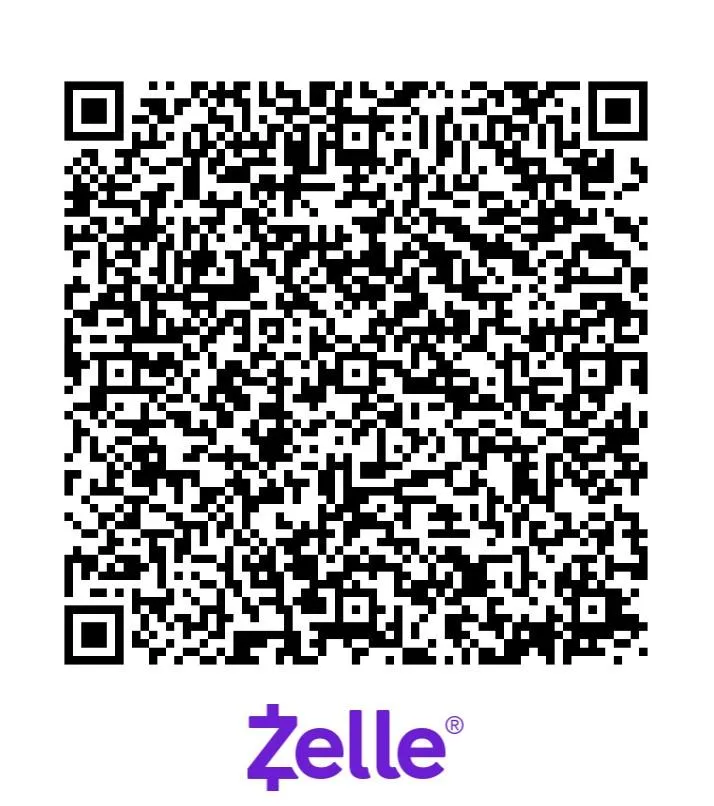
📱 Scan QR Code To Pay
Instructions for scanning QR code on same phone:
1. Take a screenshot of the QR code on your screen.
2. Open your Zelle app
3. Go to the “Send” or “Scan QR Code” section.
4. Choose the option to upload or import a QR code from your gallery/photos.
5. Select the screenshot you took.
6. Confirm the payment details and proceed.